
Description
Supported OS: Windows 10+
File type: .Vst3
Functions and features
Main Controls
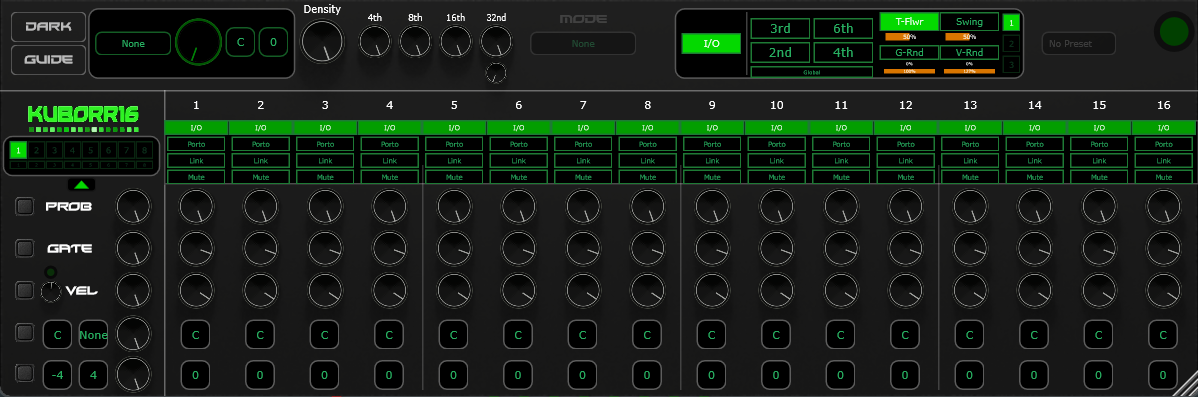
• Density control
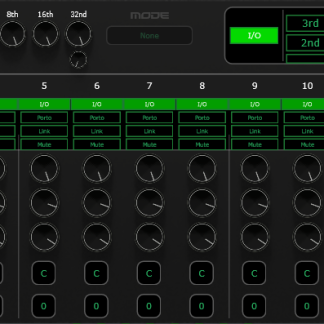
• 16-step MIDI sequencer with enable/disable per step
• Step probability control (0–100%)
• Step gate/duration control (0–100%)
• Step velocity control (0–127)
• Step note selection (C–B chromatic)
• Step octave selection (−4 to +4)
• Step mute (silent processing)
• Step portamento/glide toggle
• Step note tie/link across multiple steps
• Sequencer on/off toggle
• Playing step visual indicator
Randomization
• Per-row randomize buttons (Prob, Gate, Vel, Note, Oct)
• Randomization depth control per row
• Scale-aware note randomization
• Octave range-constrained randomization
• Undo last randomization (right-click)
• Step mute randomize mode (per step, orange LED)
Generation Modes
• Generative algorithm selector (None, Markov Chain, Lorenz Map, Evolutionary, Euclidean, Linden-Mayer, Brownian)
Duration Probabilities
• Per-duration probability knobs (4th, 8th, 16th, 32nd)
• Double 32nd note probability
Modulation & Groove (Tab 1)
• Accent on every 2nd, 3rd, 4th, or 6th step
• BPM-driven randomization (T-Flwr) with intensity
• Swing enable with adjustable amount
• Gate randomization with min/max range
• Velocity randomization with min/max range
Bulk Controls
• Bulk set Gate, Velocity, or Probability across all steps
• Bulk set note for all steps
• Global octave transpose
Velocity Shaping
• Velocity curve (log/linear/exp)
• Velocity floor (prevent silent notes)
UI
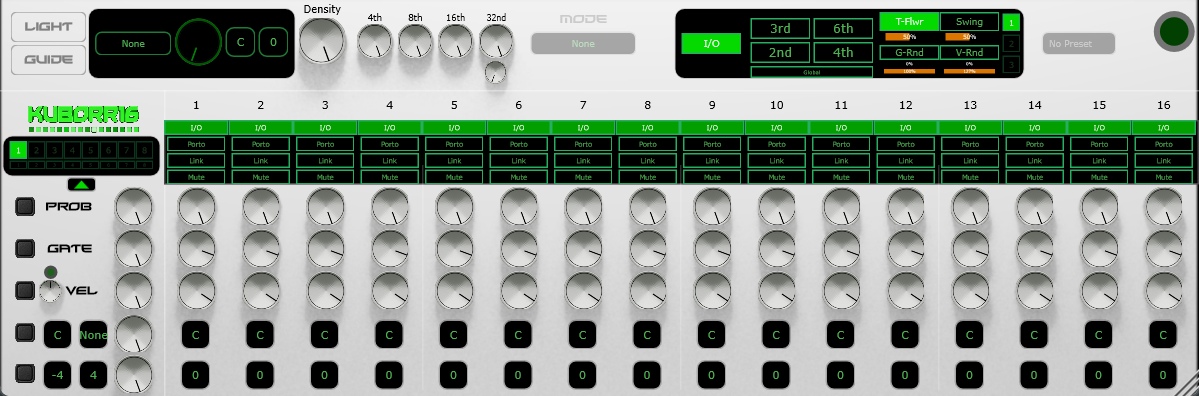
• Dark/Light mode toggle
• Collapsible UI panels (two levels)
• Step copy/paste (right-click step label)
• Right-click numeric entry on all knobs
• Mouse-wheel and drag on all combo boxes
• Double-click reset to default on all controls
• Note flash indicator
• Built-in guide/help dialog
Reviews
There are no reviews yet.